
主题
向 Fumadocs 用户界面添加主题
概览
🌐 Overview
Fumadocs UI 使用 Tailwind CSS 预设添加了自定义的颜色、动画和实用工具。
🌐 Fumadocs UI adds its own colors, animations, and utilities with Tailwind CSS preset.
安装
🌐 Setup
仅支持 Tailwind CSS v4,预设还将包含 Fumadocs UI 本身的源代码:
🌐 Only Tailwind CSS v4 is supported, the preset will also include source to Fumadocs UI itself:
@import 'tailwindcss';
@import 'fumadocs-ui/css/neutral.css';
@import 'fumadocs-ui/css/preset.css';
对于 Shadcn UI,你可以改用 shadcn 预设。Fumadocs UI 将采用你 Shadcn UI 主题中的颜色。
🌐 For Shadcn UI, you can use the shadcn preset instead. Fumadocs UI will adopt colors from your Shadcn UI theme.
@import 'tailwindcss';
@import 'fumadocs-ui/css/shadcn.css';
@import 'fumadocs-ui/css/preset.css';
详情请参阅 颜色。
🌐 See Colors for details.
预检更改
🌐 Preflight Changes
通过使用 Tailwind CSS 插件或预构建的样式表,你的默认边框、文本和背景颜色将会被更改。
🌐 By using the Tailwind CSS plugin, or the pre-built stylesheet, your default border, text and background colors will be changed.
明亮/夜间模式
🌐 Light/Dark Modes
Fumadocs 支持明/夜间模式,通过 next-themes 实现,并包含在根提供者中。
🌐 Fumadocs supports light/dark modes with next-themes, it is included in Root Provider.
请参阅 Root Provider 以了解更多信息。
🌐 See Root Provider to learn more.
从右到左布局
🌐 RTL Layout
支持从右到左(RTL)布局。
🌐 RTL (Right-to-left) layout is supported.
要启用从右到左 (RTL),请在 body 和根提供程序中将 dir 属性设置为 rtl。
🌐 To enable RTL, set the dir prop to rtl in body and root provider.
import { RootProvider } from 'fumadocs-ui/provider/<framework>';
import type { ReactNode } from 'react';

export default function RootLayout({ children }: { children: ReactNode }) {
  return (
    <html lang="en" suppressHydrationWarning>
      <body dir="rtl">
        <RootProvider dir="rtl">{children}</RootProvider>
      </body>
    </html>
  );
}
布局宽度
🌐 Layout Width
使用 CSS 变量自定义文档布局的最大宽度。
🌐 Customise the max width of docs layout with CSS Variables.
:root {
  --fd-layout-width: 1400px;
}颜色
🌐 Colors
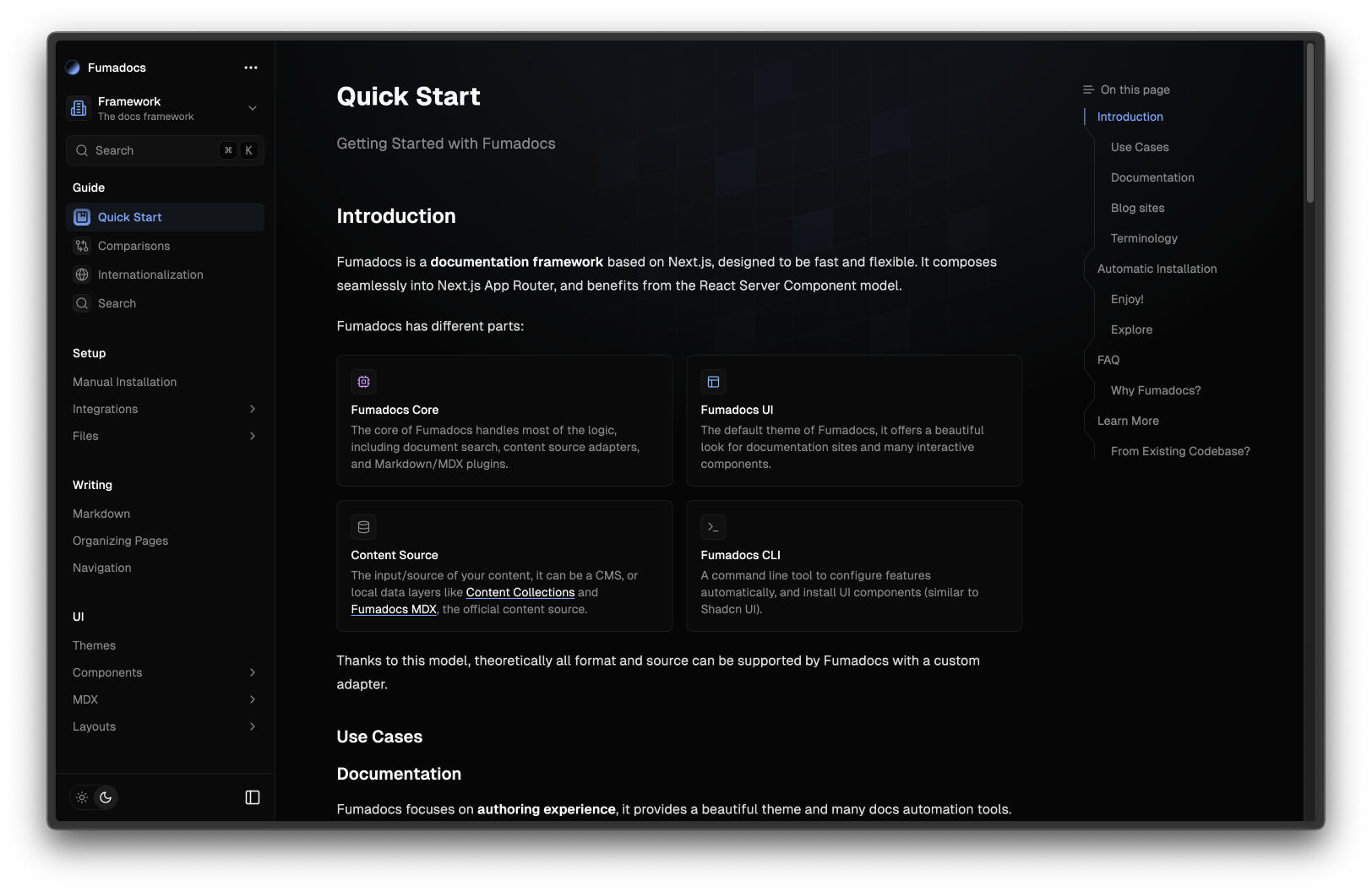
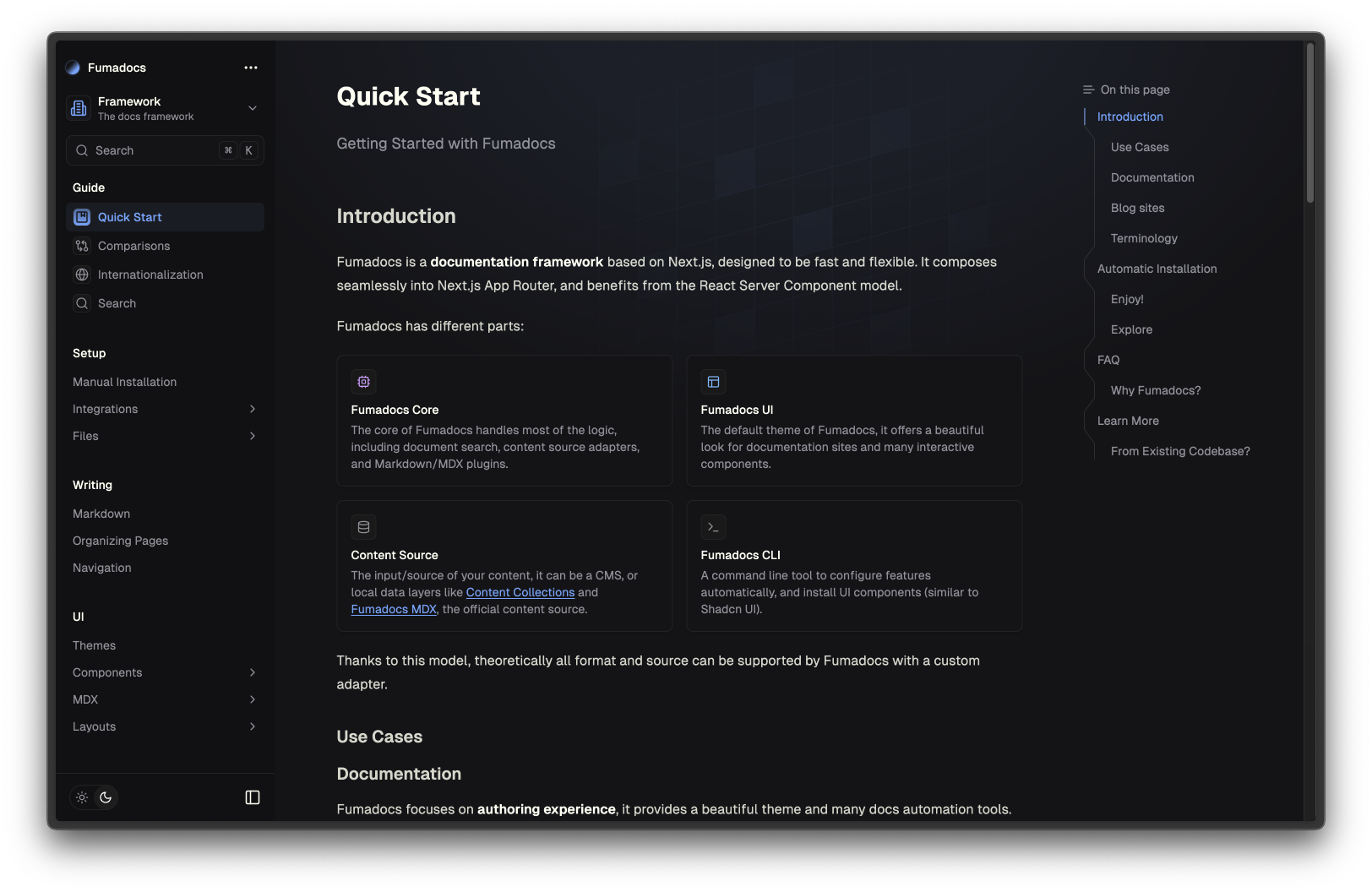
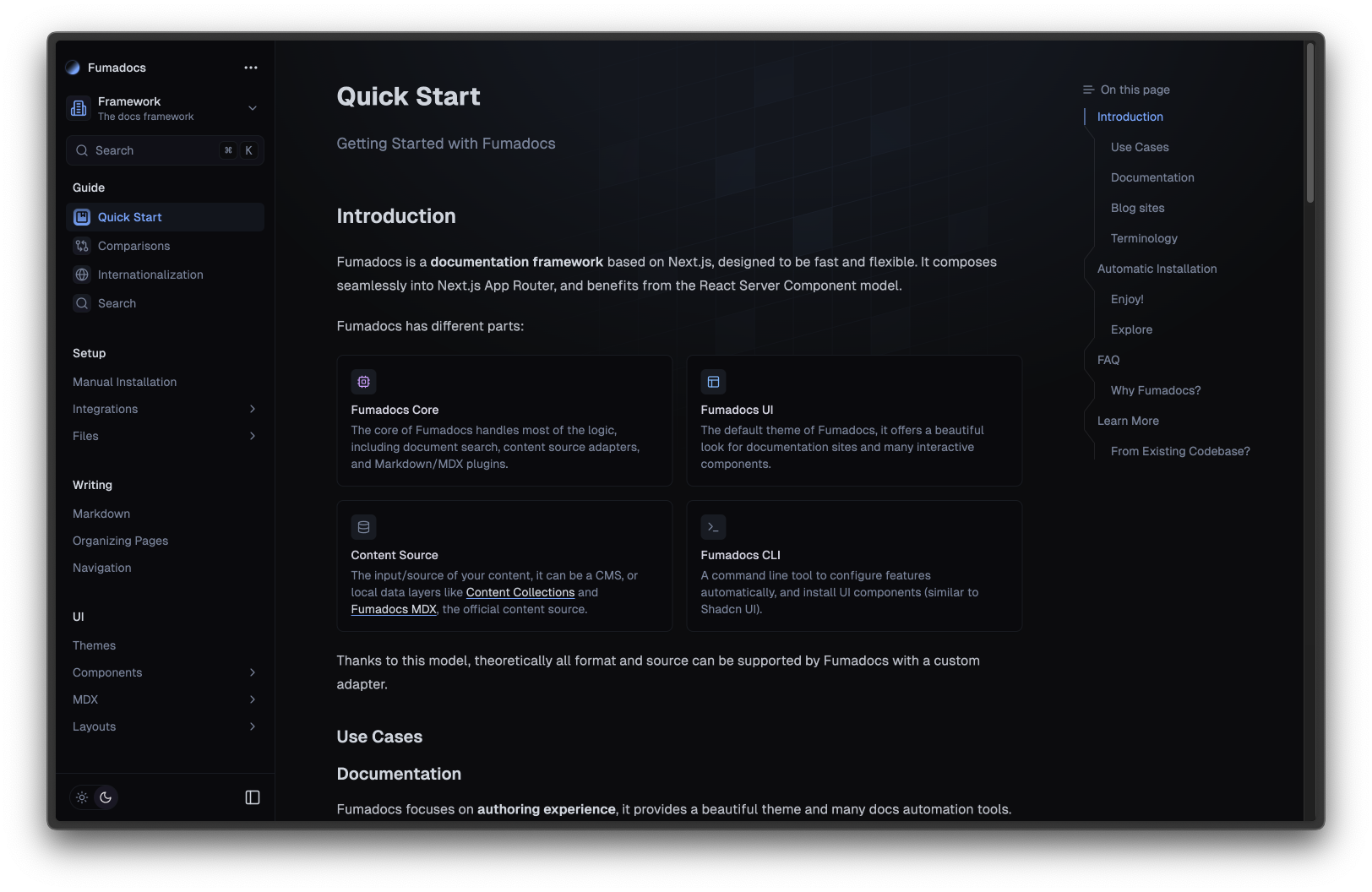
它自带许多预设,你可以选择你喜欢的一个。
🌐 It comes with many presets out-of-the-box, you can pick one you prefer.
@import 'fumadocs-ui/css/<theme>.css';
@import 'fumadocs-ui/css/preset.css';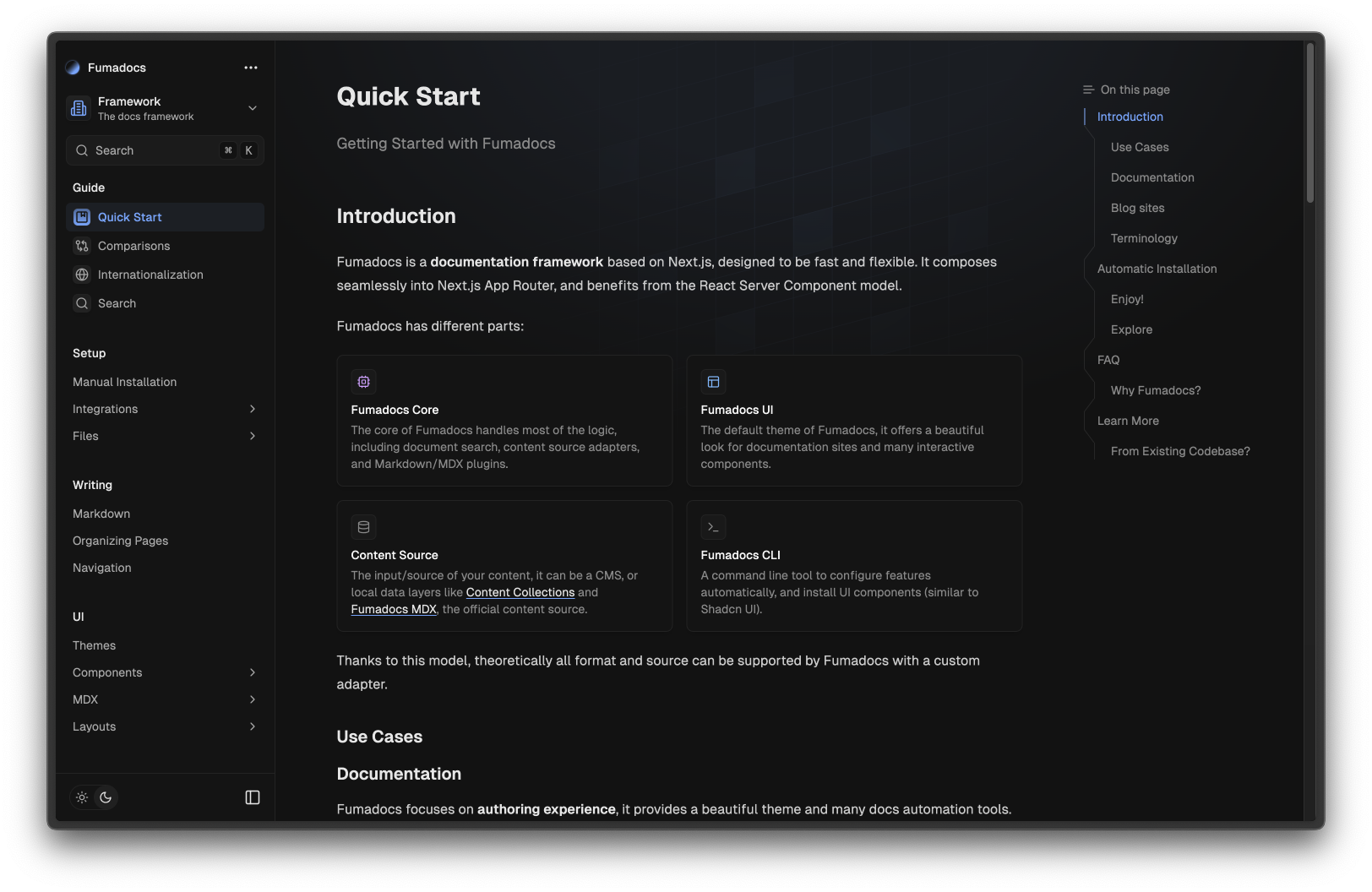
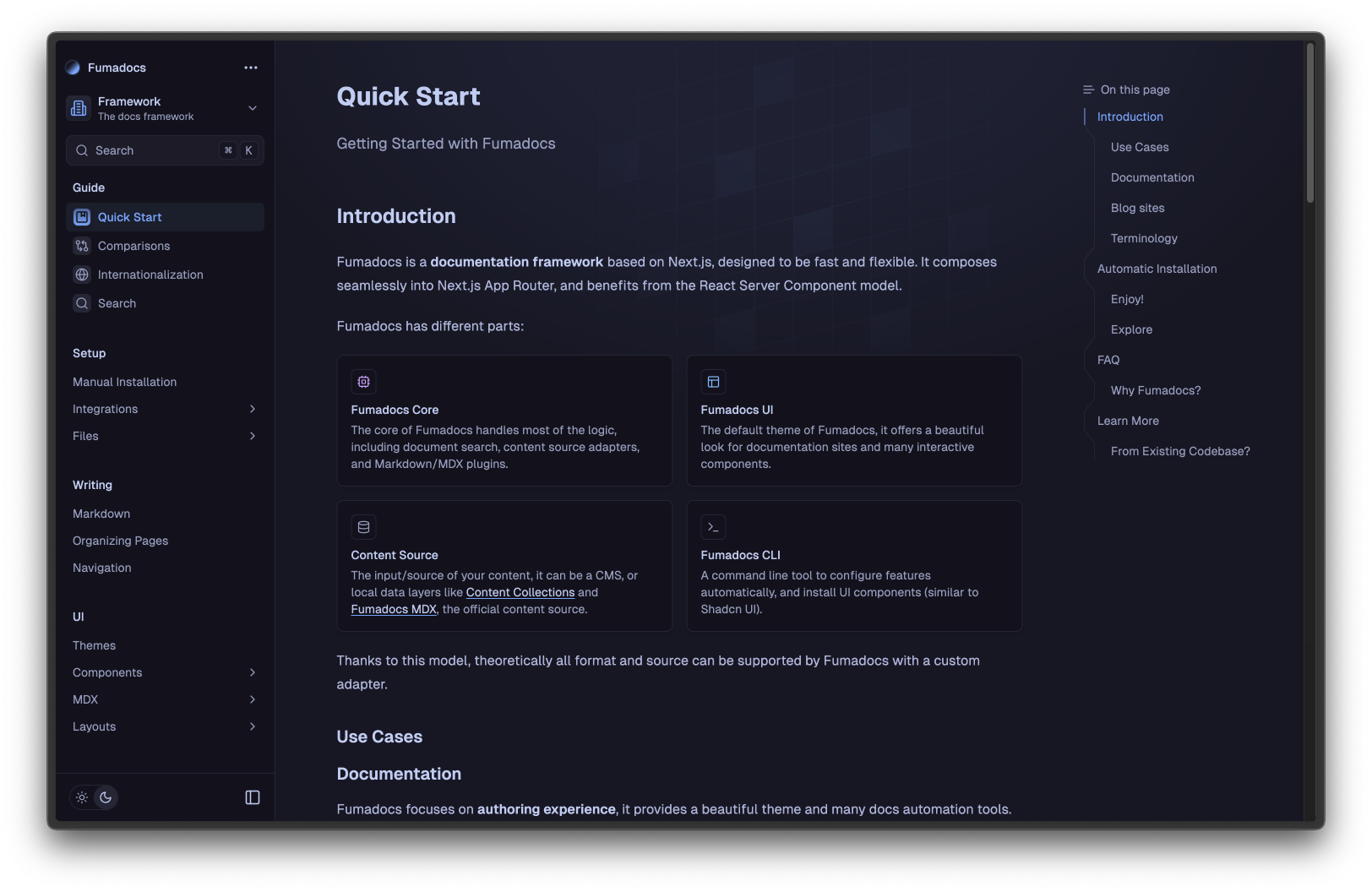
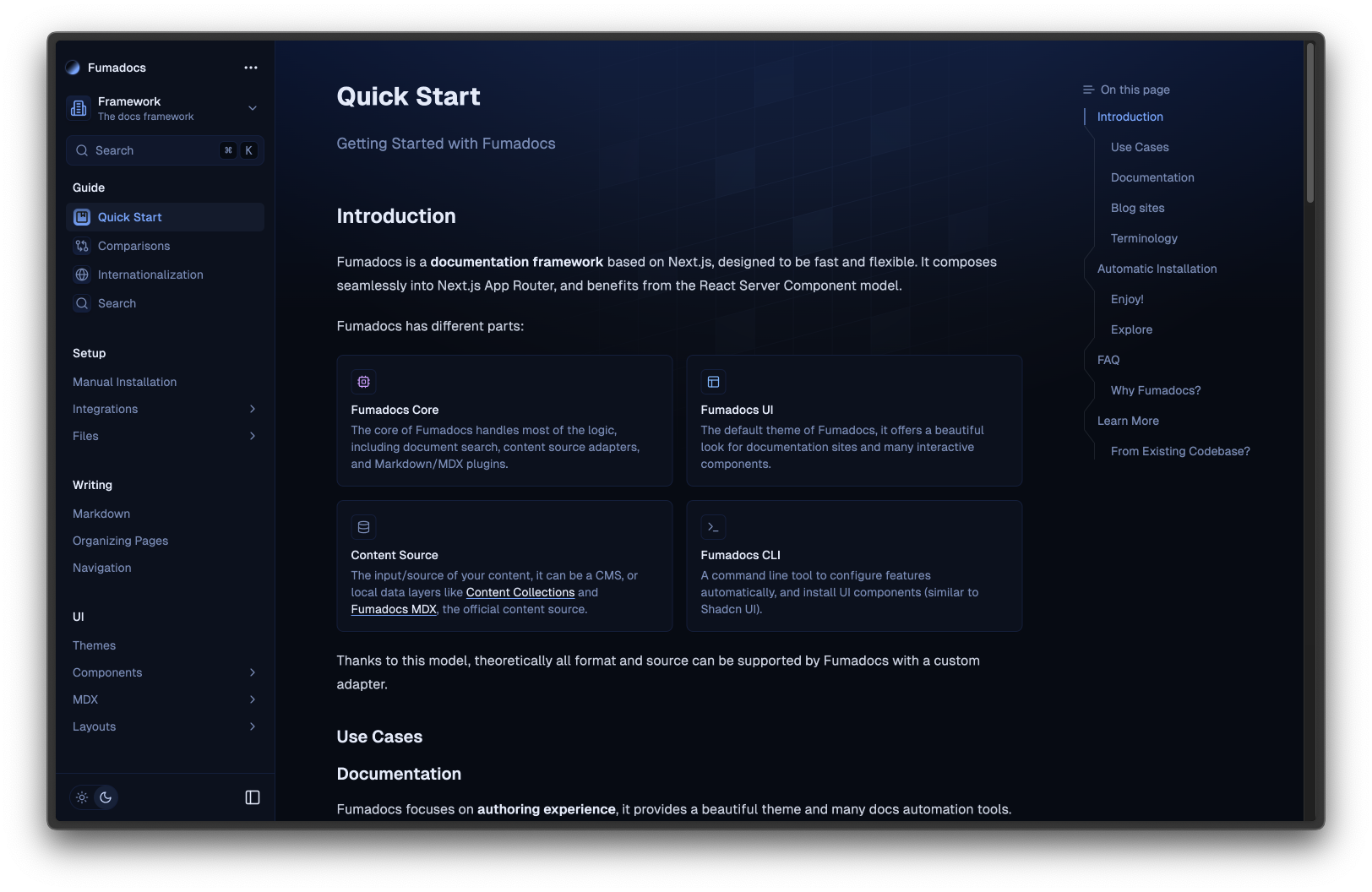
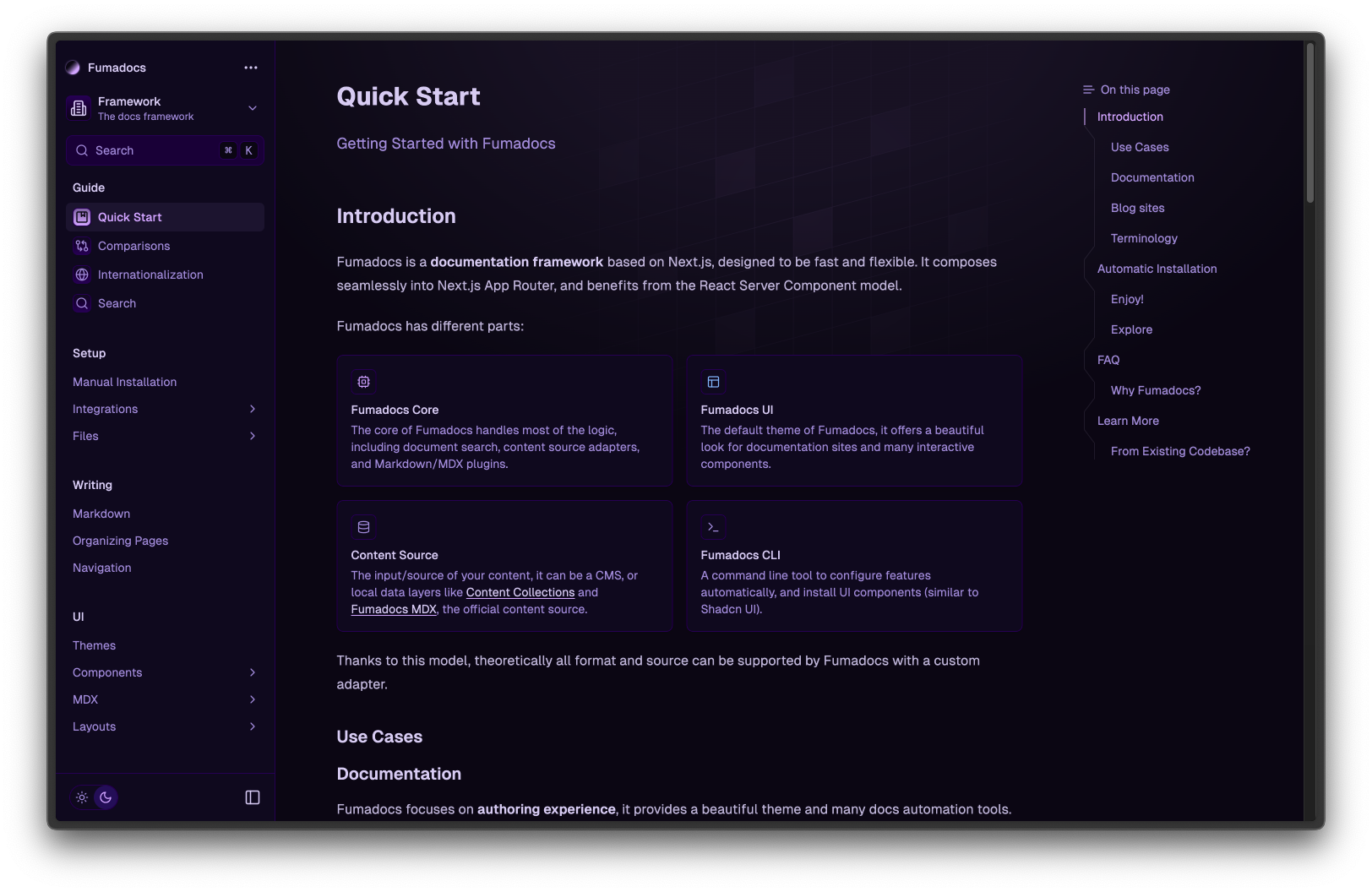
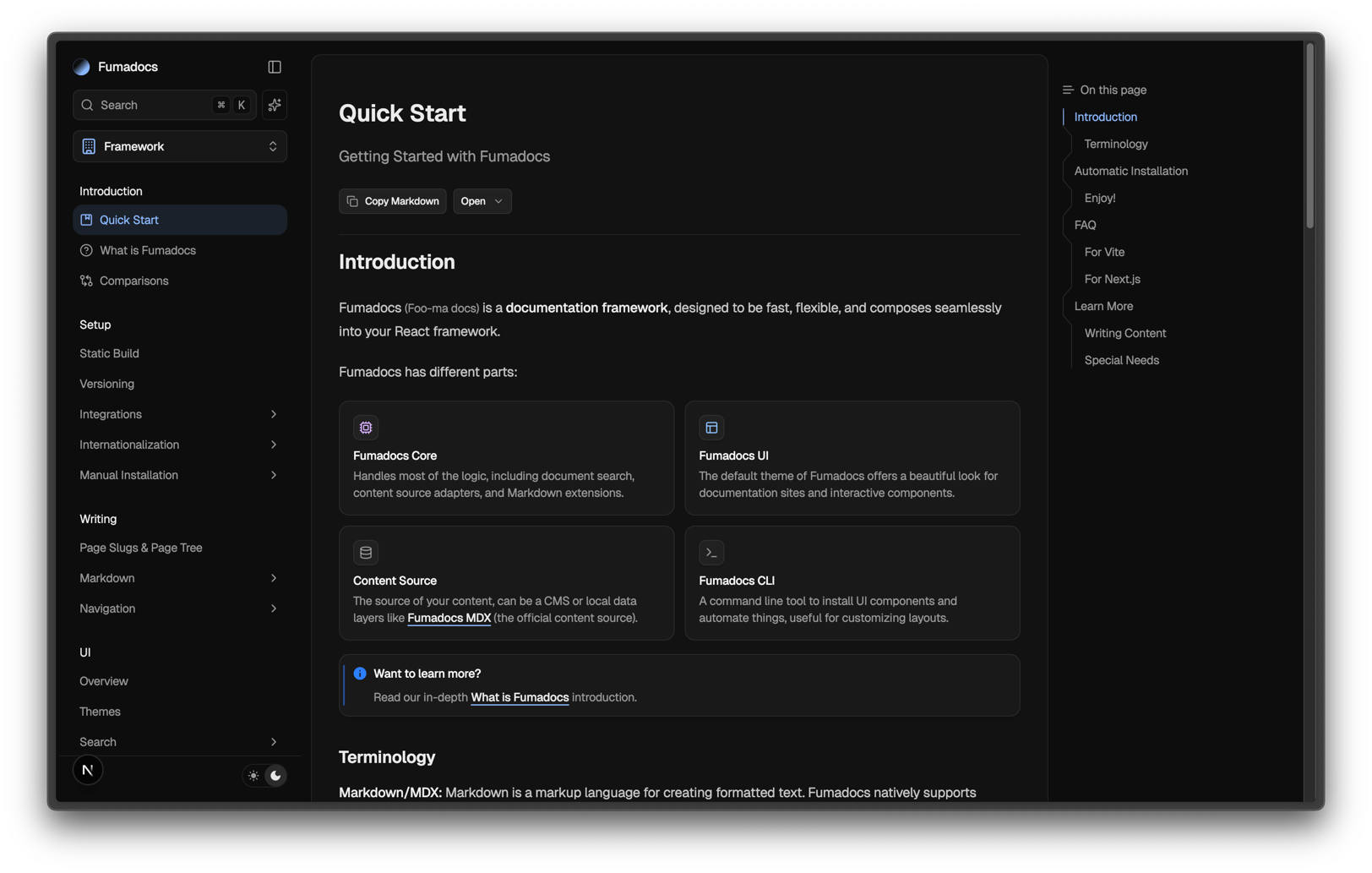
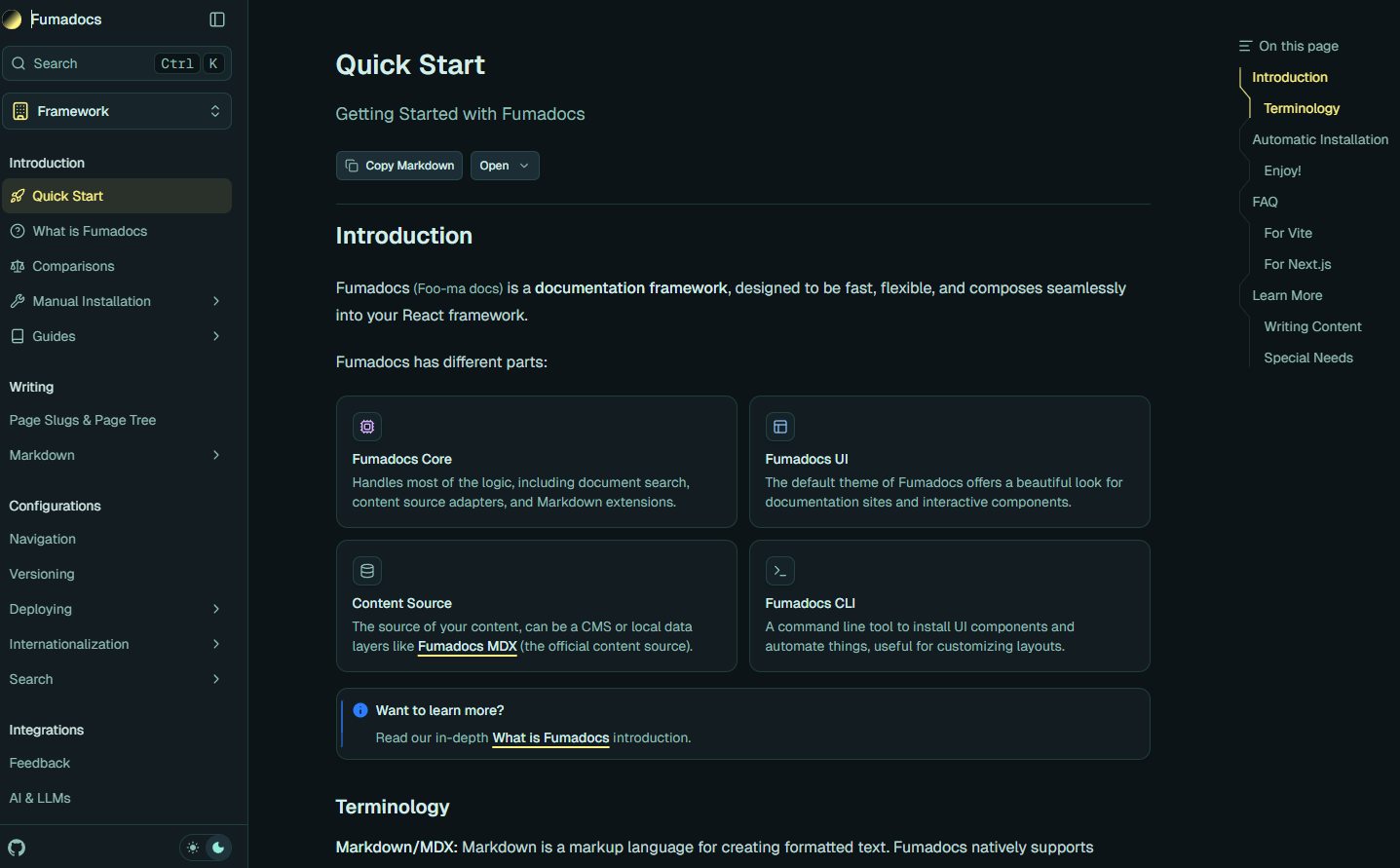
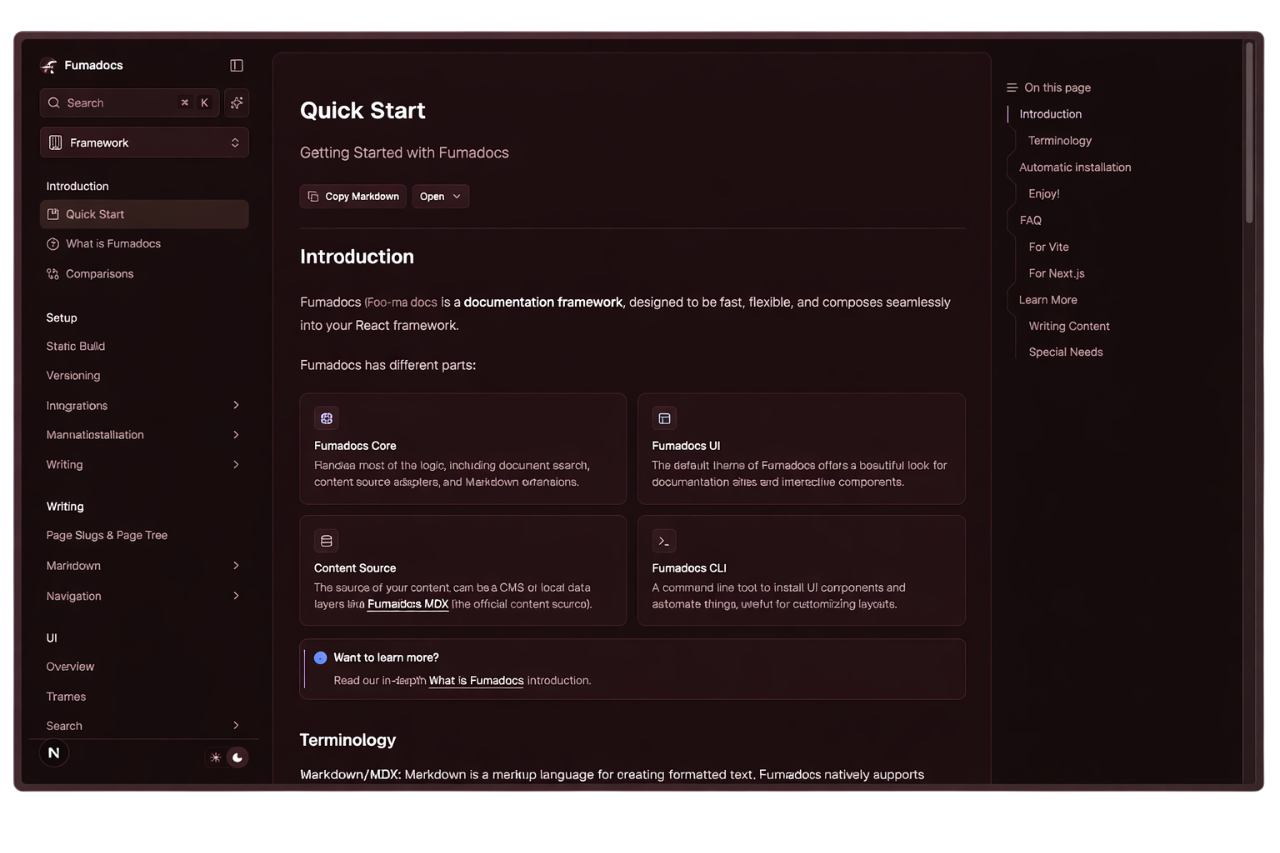
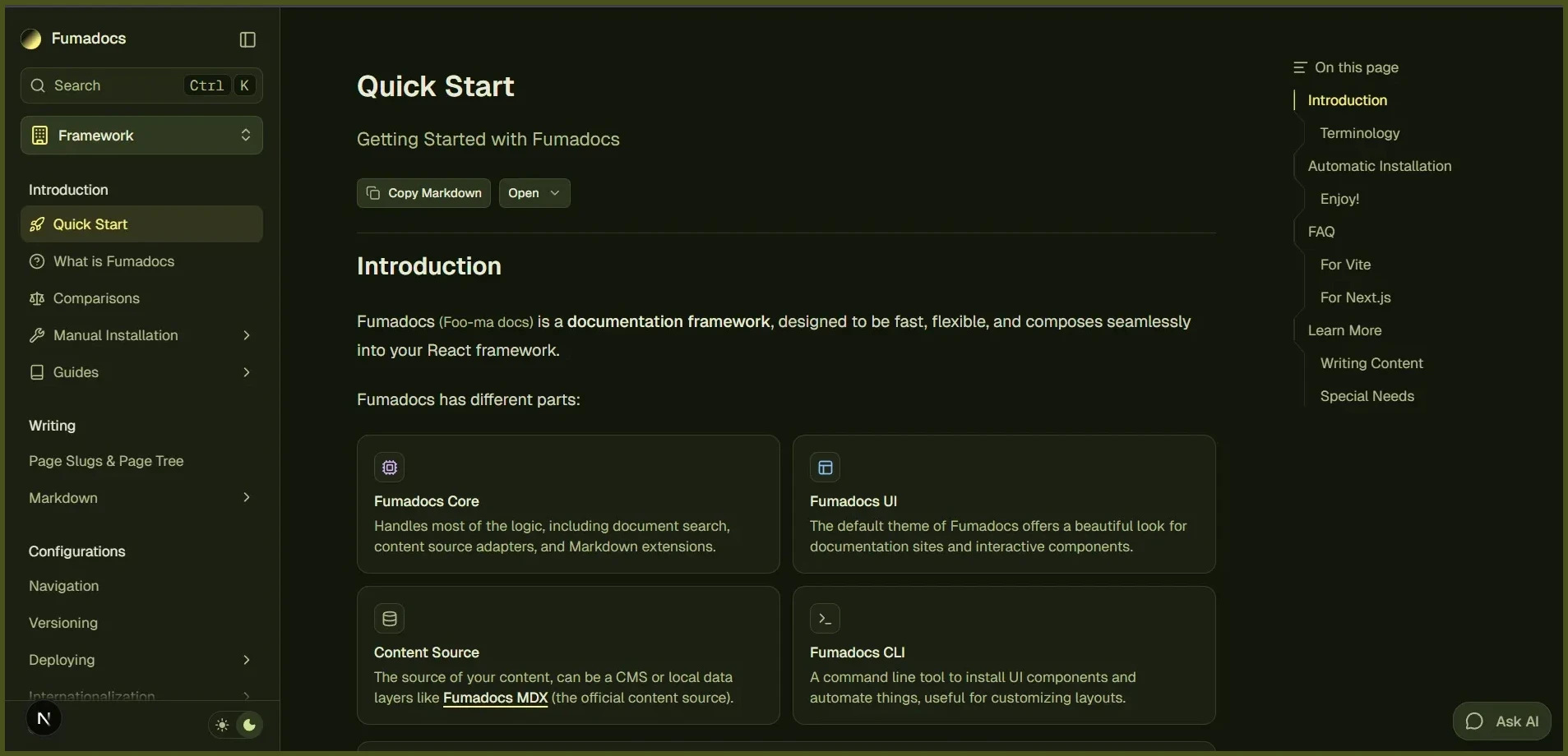
该设计系统的灵感来自 Shadcn UI,你也可以使用 CSS/主题变量 自定义颜色。
🌐 The design system was inspired by Shadcn UI, you can also customize the colors using CSS/Theme variables.
@theme {
  --color-fd-background: hsl(0, 0%, 96%);
  --color-fd-foreground: hsl(0, 0%, 3.9%);
  --color-fd-muted: hsl(0, 0%, 96.1%);
  --color-fd-muted-foreground: hsl(0, 0%, 45.1%);
  --color-fd-popover: hsl(0, 0%, 98%);
  --color-fd-popover-foreground: hsl(0, 0%, 15.1%);
  --color-fd-card: hsl(0, 0%, 94.7%);
  --color-fd-card-foreground: hsl(0, 0%, 3.9%);
  --color-fd-border: hsla(0, 0%, 80%, 50%);
  --color-fd-primary: hsl(0, 0%, 9%);
  --color-fd-primary-foreground: hsl(0, 0%, 98%);
  --color-fd-secondary: hsl(0, 0%, 93.1%);
  --color-fd-secondary-foreground: hsl(0, 0%, 9%);
  --color-fd-accent: hsla(0, 0%, 82%, 50%);
  --color-fd-accent-foreground: hsl(0, 0%, 9%);
  --color-fd-ring: hsl(0, 0%, 63.9%);
}

.dark {
  --color-fd-background: hsl(0, 0%, 7.04%);
  --color-fd-foreground: hsl(0, 0%, 92%);
  --color-fd-muted: hsl(0, 0%, 12.9%);
  --color-fd-muted-foreground: hsla(0, 0%, 70%, 0.8);
  --color-fd-popover: hsl(0, 0%, 11.6%);
  --color-fd-popover-foreground: hsl(0, 0%, 86.9%);
  --color-fd-card: hsl(0, 0%, 9.8%);
  --color-fd-card-foreground: hsl(0, 0%, 98%);
  --color-fd-border: hsla(0, 0%, 40%, 20%);
  --color-fd-primary: hsl(0, 0%, 98%);
  --color-fd-primary-foreground: hsl(0, 0%, 9%);
  --color-fd-secondary: hsl(0, 0%, 12.9%);
  --color-fd-secondary-foreground: hsl(0, 0%, 92%);
  --color-fd-accent: hsla(0, 0%, 40.9%, 30%);
  --color-fd-accent-foreground: hsl(0, 0%, 90%);
  --color-fd-ring: hsl(0, 0%, 54.9%);
}
排版
🌐 Typography
我们有一个内置插件,它是从 Tailwind CSS Typography 分叉出来的。
🌐 We have a built-in plugin forked from Tailwind CSS Typography.
该插件添加了一个 prose 类和变体以进行自定义。
🌐 The plugin adds a prose class and variants to customise it.
<div className="prose">
  <h1>Good Heading</h1>
</div>
该插件应该与 Fumadocs UI 的 MDX 组件一起使用,但可能会与 @tailwindcss/typography 冲突。
如果你需要使用 @tailwindcss/typography 替代默认插件,设置 className 选项 以避免冲突。
@import 'tailwindcss';
@plugin "@tailwindcss/typography" {
  className: wysiwyg;
}
Last updated on