
人工智能与大型语言模型
将 AI 功能整合到 Fumadocs 中。
大型语言模型文档
🌐 Docs for LLM
你可以通过为大型语言模型提供专门的文档内容,使你的文档网站更加适合人工智能。
🌐 You can make your docs site more AI-friendly with dedicated docs content for large language models.
首先,创建一个 getLLMText 函数,将页面转换为静态 MDX 内容。
🌐 To begin, make a getLLMText function that converts pages into static MDX content.
在 Fumadocs MDX 中,你可以做到:
🌐 In Fumadocs MDX, you can do:
import { source } from '@/lib/source';
import type { InferPageType } from 'fumadocs-core/source';

export async function getLLMText(page: InferPageType<typeof source>) {
  const processed = await page.data.getText('processed');

  return `# ${page.data.title} (${page.url})

${processed}`;
}
它需要启用 includeProcessedMarkdown:
🌐 It requires includeProcessedMarkdown to be enabled:
import { defineDocs } from 'fumadocs-mdx/config';

export const docs = defineDocs({
  docs: {
    postprocess: {
      includeProcessedMarkdown: true,
    },
  },
});
llms-full.txt
供人工智能阅读的文档版本。
🌐 A version of docs for AIs to read.
import { source } from '@/lib/source';
import { getLLMText } from '@/lib/get-llm-text';

// cached forever
export const revalidate = false;

export async function GET() {
  const scan = source.getPages().map(getLLMText);
  const scanned = await Promise.all(scan);

  return new Response(scanned.join('\n\n'));
}
*.mdx
允许 AI 代理通过在路径末尾添加 .mdx 来获取页面内容的 Markdown/MDX 格式。
🌐 Allow AI agents to get the content of a page as Markdown/MDX, by appending .mdx to the end of path.
创建一个路由处理器来返回页面内容,并创建一个中间件来指向它:
🌐 Make a route handler to return page content, and a middleware to point to it:
import { getLLMText } from '@/lib/get-llm-text';
import { source } from '@/lib/source';
import { notFound } from 'next/navigation';

export const revalidate = false;

export async function GET(_req: Request, { params }: RouteContext<'/llms.mdx/docs/[[...slug]]'>) {
  const { slug } = await params;
  const page = source.getPage(slug);
  if (!page) notFound();

  return new Response(await getLLMText(page), {
    headers: {
      'Content-Type': 'text/markdown',
    },
  });
}

export function generateStaticParams() {
  return source.generateParams();
}import type { NextConfig } from 'next';
const config: NextConfig = {
async rewrites() {
return [
{
source: '/docs/:path*.mdx',
destination: '/llms.mdx/docs/:path*',
},
];
},
};Accept
要为 AI 代理提供 Markdown 内容,可以使用 Accept 标题。
🌐 To serve the Markdown content instead for AI agents, you can leverage the Accept header.
import { NextRequest, NextResponse } from 'next/server';
import { isMarkdownPreferred, rewritePath } from 'fumadocs-core/negotiation';

const { rewrite: rewriteLLM } = rewritePath('/docs{/*path}', '/llms.mdx/docs{/*path}');

export default function proxy(request: NextRequest) {
  if (isMarkdownPreferred(request)) {
    const result = rewriteLLM(request.nextUrl.pathname);

    if (result) {
      return NextResponse.rewrite(new URL(result, request.nextUrl));
    }
  }

  return NextResponse.next();
}
页面操作
🌐 Page Actions
AI 的常用页面操作,需要先实现 *.mdx。
🌐 Common page actions for AI, require *.mdx to be implemented first.
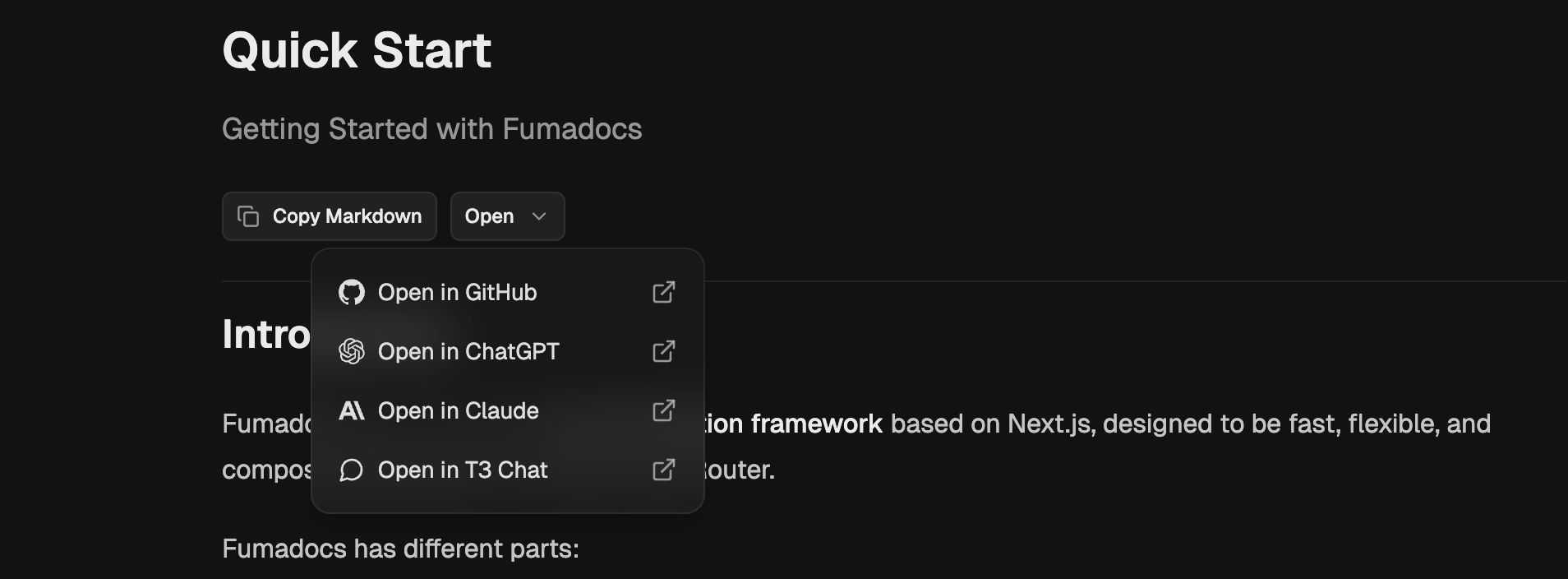
npx @fumadocs/cli add ai/page-actions在你的文档页面中这样使用它:
🌐 Use it in your docs page like:
<div className="flex flex-row gap-2 items-center border-b pt-2 pb-6">
  <LLMCopyButton markdownUrl={`${page.url}.mdx`} />
  <ViewOptions
    markdownUrl={`${page.url}.mdx`}
    githubUrl={`https://github.com/${owner}/${repo}/blob/dev/apps/docs/content/docs/${page.path}`}
  />
</div>
问AI
🌐 Ask AI
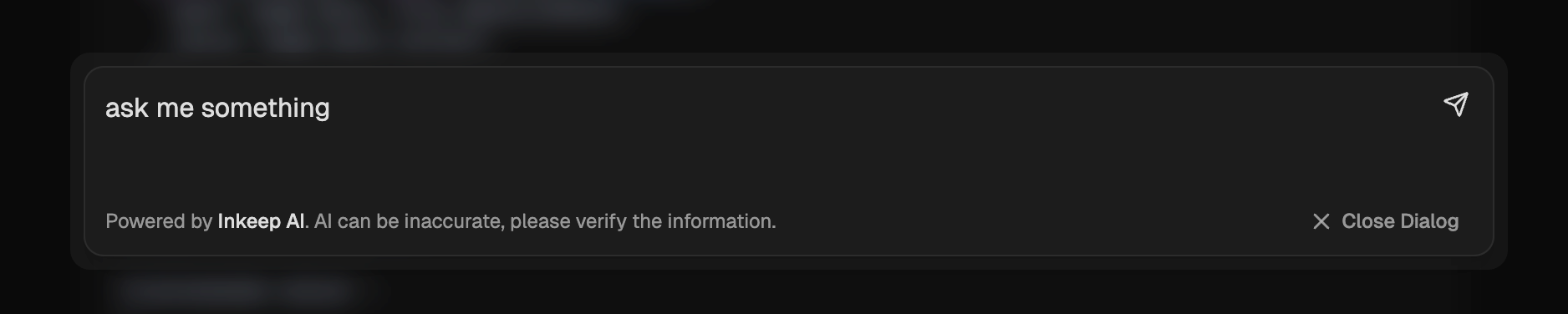
你可以使用 Fumadocs CLI 安装 AI 搜索对话:
🌐 You can install the AI search dialog using Fumadocs CLI:
npx @fumadocs/cli add ai/search然后,将 <AISearchTrigger /> 组件添加到你的根布局中。
🌐 Then, add the <AISearchTrigger /> component to your root layout.
人工智能模型
🌐 AI Model
默认情况下,它配置为使用 Vercel AI SDK 的 Inkeep AI。
🌐 By default, it's configured for Inkeep AI using Vercel AI SDK.
设置 Inkeep AI:
🌐 To setup for Inkeep AI:
-
将你的 Inkeep API 密钥添加到环境变量中:
INKEEP_API_KEY="..." -
将
AISearchTrigger组件添加到根布局(或你喜欢的任何位置):import { AISearchTrigger } from '@/components/search'; export default function RootLayout({ children }: { children: React.ReactNode }) { return ( <html lang="en"> <body> <AISearchTrigger /> {children} </body> </html> ); }
要使用你自己的 AI 模型,请更新 useChat 和 /api/chat 路由中的配置。
🌐 To use your own AI models, update the configurations in useChat and /api/chat route.
请注意,Fumadocs 并不提供 AI 模型,这取决于你自行选择。你的 AI 模型可以使用上面生成的 llms-full.txt 文件,或者在结合第三方解决方案时使用更多多样化的信息来源。
🌐 Note that Fumadocs doesn't provide the AI model, it's up to you.
Your AI model can use the llms-full.txt file generated above, or more diversified sources of information when combined with 3rd party solutions.
Last updated on